I am using mssql server in docker container.
I am using vscode extension named SQL Server (mssql) by microsoft. This extension gives you the feature of creating and exporting the backup
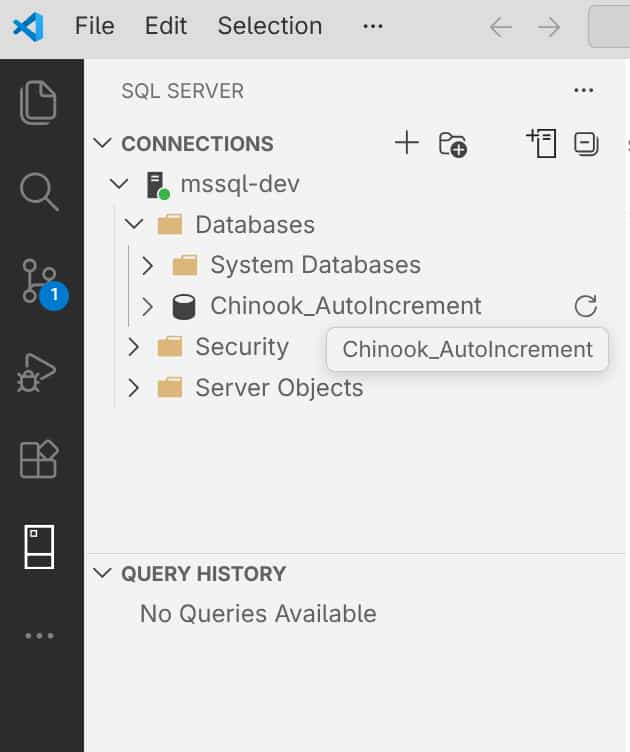
Connect to the database. It should look like this:
Create a backup by using that extension.
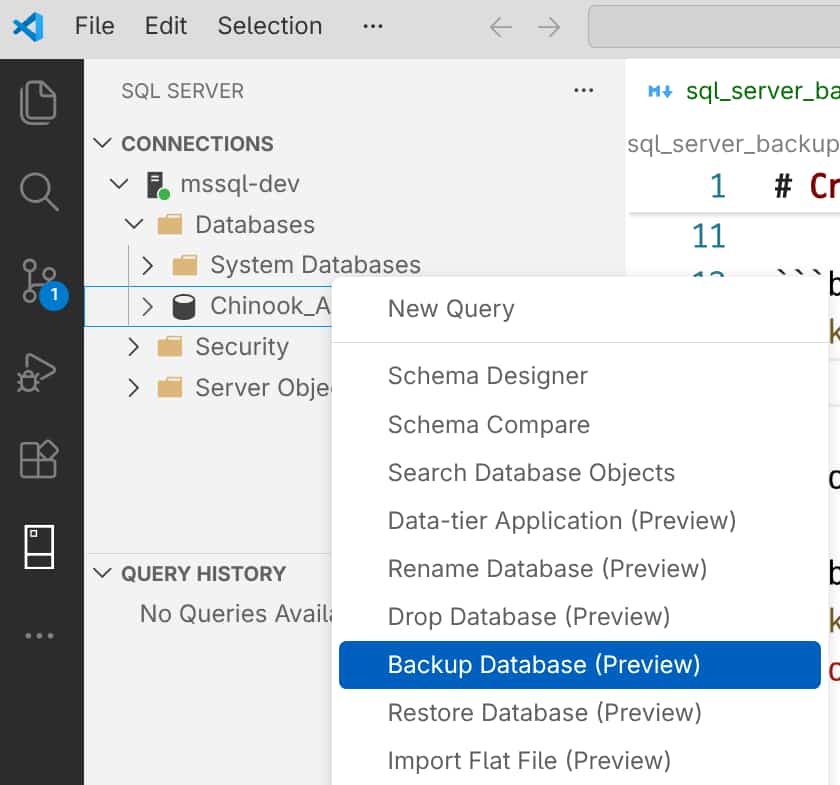
Note: I have saved backup inside the folder /var/opt/mssql/data/
- To find the exact name:
docker exec <container_name> ls /var/opt/mssql/data/*.bak
- Copy backup from docker to host machine:
docker cp <container_name>:/var/opt/mssql/data/your_backup.bak ~/Documents/your_backup.bak
