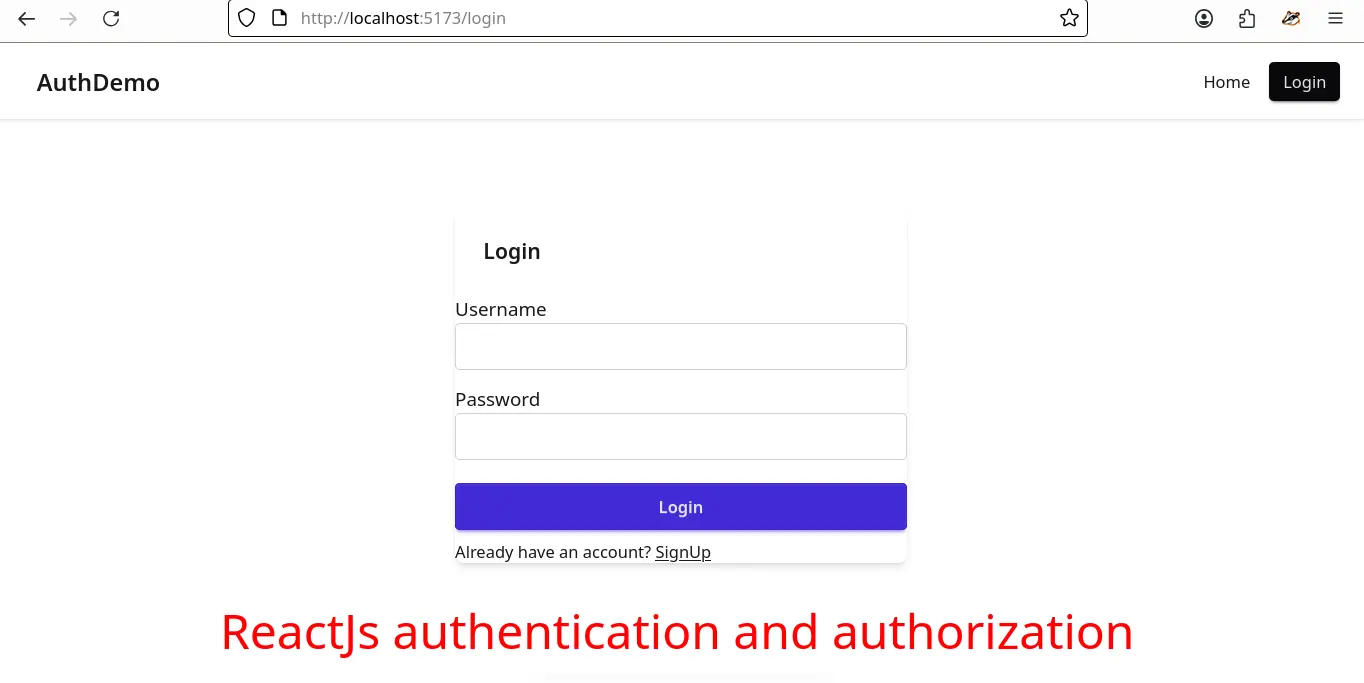
Authenticating a react and node js app

Authenticating a react and node js app

To work with backend (which is created in node js, sqlite and prisma) you need to follow this post.

💻 Source code of frontend app

💻 Source code of this fullstack app

To create a react app you need to execute this command in terminal:

npm create vite@latest

It asks few things:

  • Project name: frontend

Note: Choose a meaninful name. Since it is part of my fullstack app, one directory is backend, so another one is going to be named frontend.
[Read More]

Nodejs JWT & Cookie Authentication Using Typescript (2026 guide)

Nodejs JWT & Cookie Authentication Using Typescript (2026 guide)

REST Apis are session less. You can not maintain the authentication session for the whole application. For that purpose, JSON web token (JWT) comes in play. How it works:

  • User hits the login or authenticate endpoint with valid credentials.
  • In response, if user is authenticated, user get’s a access-token (JWT) , which contains the user’s info like username and role.
  • You need to pass JWT in Authorization header with every protected endpoint.
  • With this, the server knows a valid and authenticated user is accessing the resource.
  • JWT has a expiry date, it does not live forever.
  • Also need to note that, JWT is not saved in database.

You can also check react frontend for this app.

[Read More]

Node Js: Jwt Authentication and refresh token

Node Js: Jwt Authentication and refresh token

Please visit this post first, where I have made this project from scratch and wrote CRUD APIs.

Source code

JSON web token (JWT) and why it is needed

REST Apis are session less. You can not maintain the authentication session for the whole application. For that purpose, JSON web token (JWT) comes in play. How it works

[Read More]

Jwt Authention and role base authorization in Dotnet Core

Jwt Authention and role base authorization in Dotnet Core

Create a new web api project

Run these commands in a sequence to create a new project.

dotnet new sln -o JwtDotnet9

cd JwtDotnet9

dotnet sln add JwtDotnet9/JwtDotnet9.csproj

Open the project in vs code.

code .

=> Source Code

=> Securing The .NET 9 App: Signup, Login, JWT, Refresh Tokens, and Role Based Access with PostgreSQL

Install the required nuget packages

dotnet add package Microsoft.AspNetCore.Authentication.JwtBearer

Jwt configuration in appsettings

Open appsettings.json and add these lines

[Read More]

Securing The .NET 9 App: Signup, Login, JWT, Refresh Tokens, and Role Based Access with PostgreSQL

Securing The .NET 9 App: Signup, Login, JWT, Refresh Tokens, and Role Based Access with PostgreSQL

REST APIs are stateless, so server does not store any information about the client. So we can not authorize the rest application in a traditional way. How does a server knows if the user is authenticated user or not? In this situation the Json Web Token (JWT) saves the day.

JSON Web Tokens are an open, industry standard RFC 7519 method for representing claims securely between two parties. Source: jwt.io

[Read More]

JWT Authentication and Role Based Authorization in Dotnet Core

JWT Authentication and Role Based Authorization in Dotnet Core

JWT

According to jwt.io JSON Web Tokens are an open, industry standard RFC7519 method for representing claims securely between two parties.

When we create REST APIs, then we don’t want that any one can access those apis. REST APIs, will only be accessed by the authenticated user. We authenticate our user with the help of jwt.

How jwt works?

First, we give an authentication endpoint to user, where he/she puts credential, in return we give a jwt token to user which have an expiry date. To consume any protected resource, user need to pass jwt token on authorization header.

[Read More]