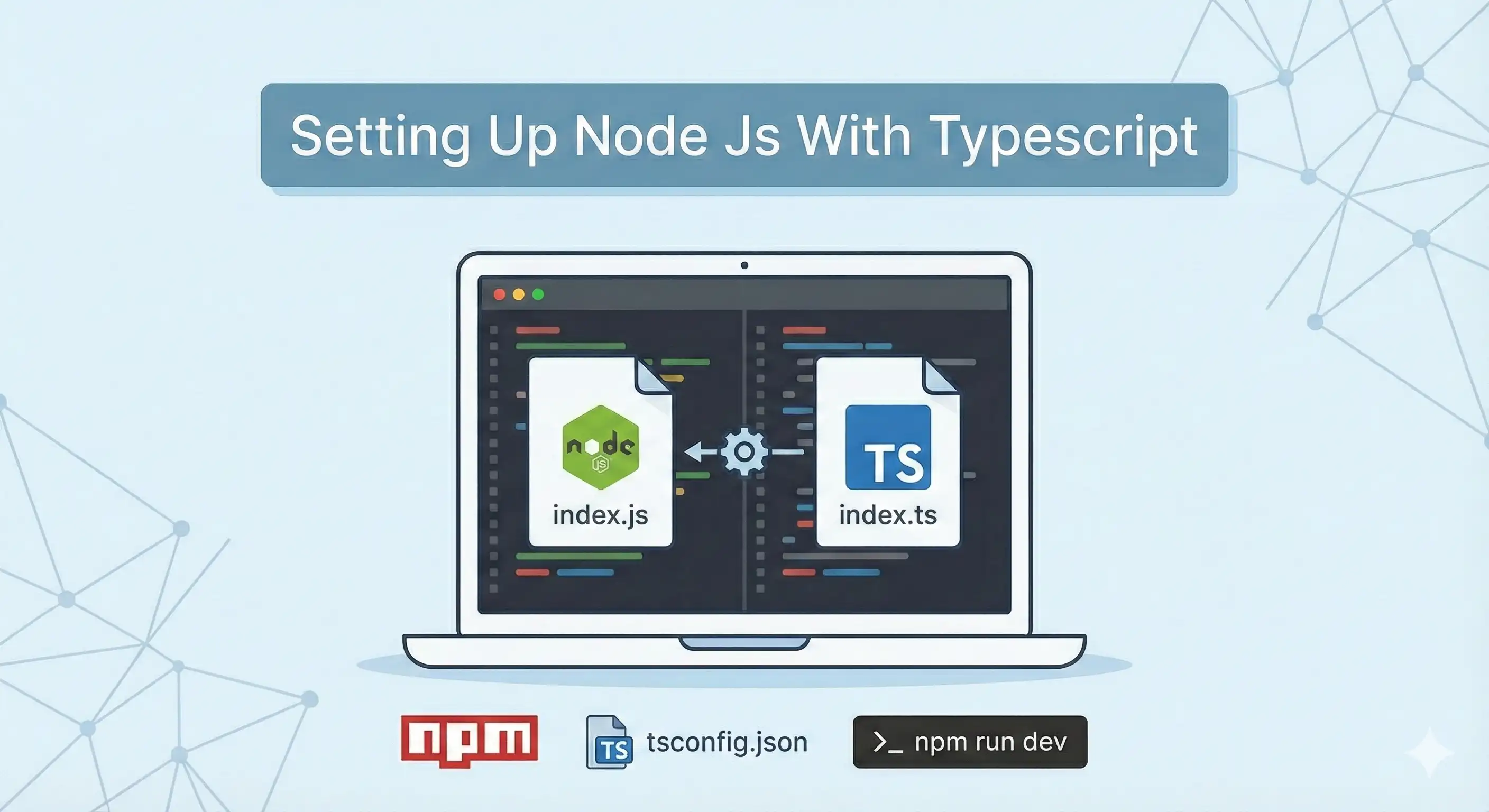
Setting Up Node Js With Typescript

node js with typescript (image credit: Gemini)

We are going to create folders and install packages in this step. I don’t have much to say for this tutorial. I have tried to explain necessary stuff through comments. In my opinion code is self-explanatory. So, let’s execute these commands in a sequence.

# create a directory
mkdir backend

# change directory
cd backend

# create the `src` directory inside the `backend`.
mkdir src

# create file
touch src/index.ts 

# initialize node js project. 
# Please stay inside the `backend` directory. 
npm init -y 

# install these packages
npm install express cors

# install the dev dependencies
# these packages won't be shipped to your production bundle
npm install -D typescript tsx @types/node @types/express @types/cors

# generate tsconfig.json file
npx tsc --init

Folder structure should look like this.

[Read More]
Node Js: Jwt Authentication and refresh token

jwt auth in node js

Please visit this post first, where I have made this project from scratch and wrote CRUD APIs.

Source code

JSON web token (JWT) and why it is needed

REST Apis are session less. You can not maintain the authentication session for the whole application. For that purpose, JSON web token (JWT) comes in play. How it works

[Read More]

Build a Node.js REST APIs with Express, Sequelize & SQL Server (2025 Guide)

rest apis with node js and sql server

In this tutorial, you’ll learn how to build a simple CRUD (Create, Read, Update, Delete) REST API using Node.js, Express.js, Sequelize, and SQL Server. I have tried to make it a less verbose. It is more like a technical documentation to create the rest apis in this tech stack. However, I have tried to explain all the essential things. This is ideal if you’re looking to integrate a SQL Server database with a Node.js backend using Sequelize as the ORM. We are using sql server in this tutorial but you can easily replace it with other sql databases.

[Read More]